Home Office Accessories Checklist: 12 Useful Buys (and What to Skip)
October 09, 2026
Desks are built to one height. Bodies are not. That mismatch is why so many home offices feel almost right — fine for twenty minutes, quietly annoying by four o'clock, and genuinely sore by the end of the week.
The fix usually isn't a new desk. It's knowing one number: your seated elbow height. Measure it properly and you can judge any desk, chair or keyboard tray in seconds, and you'll know whether the problem is the furniture or simply how it's set up.
A desk has one job: to support your forearms while your shoulders stay relaxed. Everything else — screen position, wrist angle, whether your feet touch the floor — follows from that.
Before you measure anything, set the chair. Sit with your back against the backrest, feet flat, and raise or lower the seat until your thighs are roughly horizontal, with knees level with your hips or a little below. That's the starting position, and it's why you should measure your elbows after sorting the chair, not before.
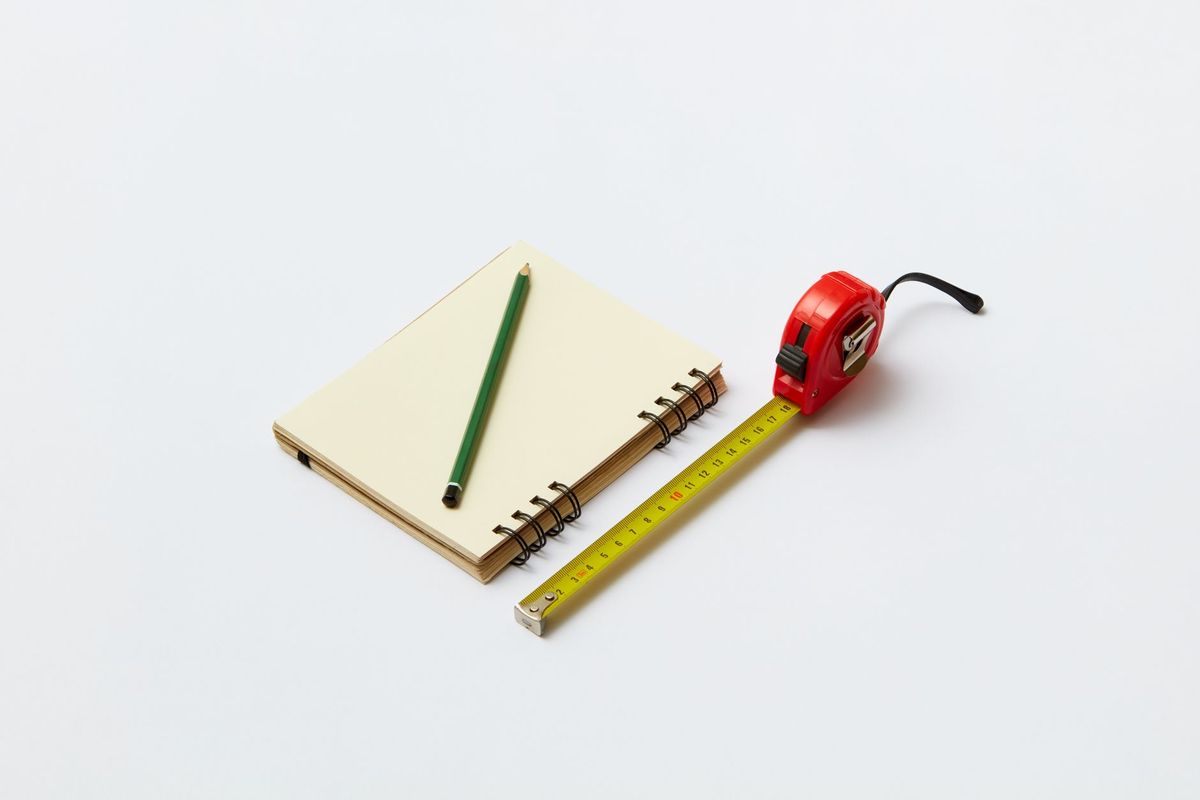
Then let your upper arms hang loose. Don't prop them on the armrests or hold them out. Bend one elbow to about 90 degrees, hand pointing forward, and measure from the floor to the bony point of the elbow.
Your desk top should sit level with that number, or up to about 3 cm below it. Slightly lower is usually better: it lets your wrists rest flat and keeps your shoulders from creeping upwards.
If two people share the desk, measure both. Set it up for the shorter person where possible: a desk that's slightly low can be fixed with a footrest, but a desk that's too high pushes the shoulders up all day and is much harder to work around.
Typing wants the keyboard flat or tilted slightly away from you, wrists straight rather than bent up or down, elbows at roughly 90 to 100 degrees and tucked near your sides. That's the position your elbow measurement is designed for.
Reading on paper wants something different. You naturally pull the page closer and drop your head towards it, which is the beginning of a stiff neck. A flat desk makes this worse, because the page sits low and far away.
Two ways to manage both:
A laptop forces a compromise: the screen and the keyboard are joined at a height that suits neither. Raise the laptop on a stand until the screen is comfortable, then use a separate keyboard and mouse at elbow height. It sounds fussy; it takes about a minute to set up and it's the single biggest improvement most home offices can make.
Commonly quoted UK averages are around 175 cm for adult men and 162 cm for adult women. Treat those as background information rather than a personal answer — the spread within each group is far wider than the gap between them, and leg length varies independently of total height. Two people of identical height can need desks a few centimetres apart.
As a rough starting point, based on the elbow-height rule above:
Notice how far these sit from the 73–75 cm that most fixed desks are built to. Someone around 160 cm is often working at a surface 6 cm too high, which is why the chair ends up raised too far, which is why their feet dangle. The desk was the problem all along, and the chair took the blame.
If it's too high:
If it's too low:
For a shared desk, an adjustable-height desk is the tidy answer. Failing that, set the main surface for the taller person and the keyboard tray for the shorter one.
If you're getting persistent neck, shoulder or wrist pain, adjusting furniture is worth doing, but it isn't a diagnosis. Speak to your GP or a physiotherapist rather than rearranging your office indefinitely.
Sit down, put your hands on the keyboard and run through it: feet flat, knees level, elbows at 90 degrees and close to your body, wrists straight, shoulders down, screen top at eye level.
Whatever fails that check, fix the cheapest item first. Nine times out of ten it's chair height plus a footrest, not a new desk. Then measure your elbow again — it's the number everything else hangs on, and it doesn't change.
Photo: DS stories / Pexels