
Home Office Accessories Checklist: 12 Useful Buys (and What to Skip)
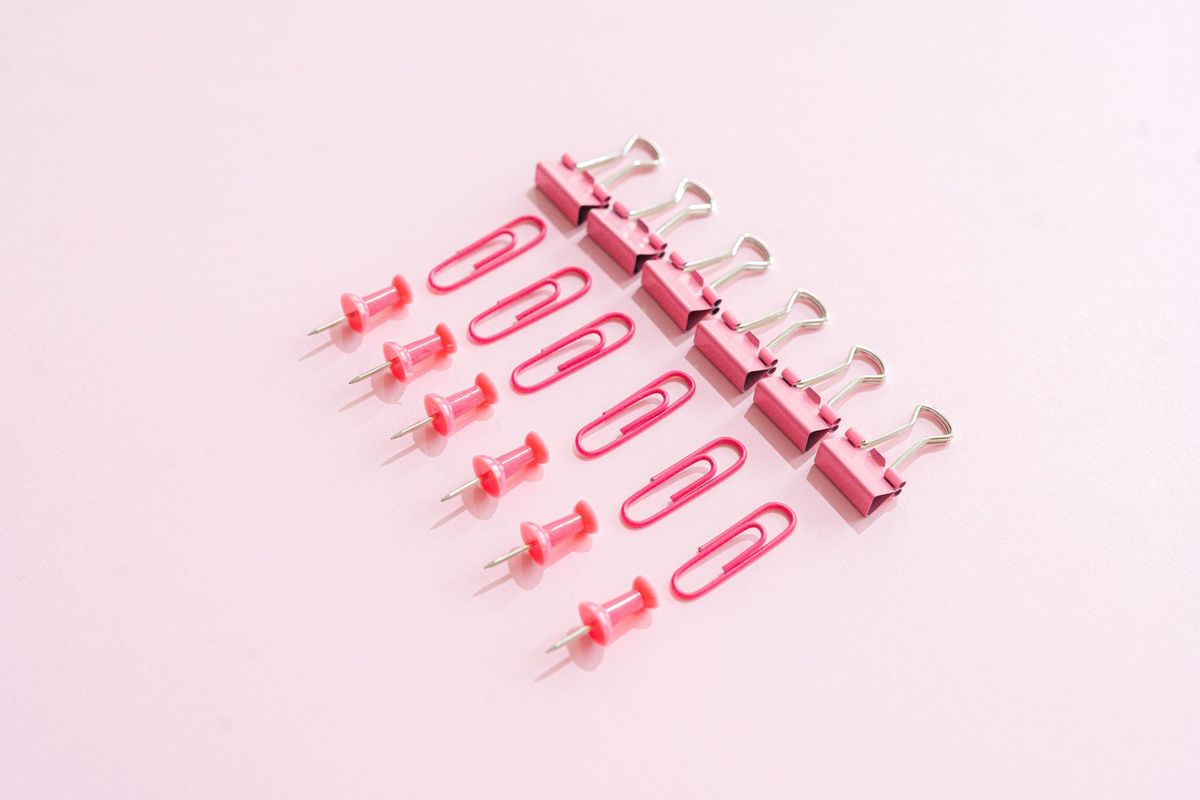
A desk and a chair will get you started. Everything after that is a negotiation between comfort, tidiness and the amount of floor space you actually have. Buy well and you stop noticing your setup at all, which is the point. Buy badly and you end up with a drawer full of cables you never use and a lamp that shines straight into your eyes.
What follows is the list worth handing to someone setting up in a spare bedroom, a corner of the living room or a shared office. Twelve accessories that earn their keep, roughly in the order to buy them, and a short list of things to walk past. Work through it in stages rather than ordering everything on a Sunday evening.
Comfort: buy these first
If you sit for more than an hour or two a day, comfort isn't a luxury. It's the foundation. Sort this out before spending anything on desk decoration.
1. A footrest
Feet flat, thighs roughly level, knees at about ninety degrees — that's the goal. If your chair won't go low enough, the desk is probably too high, and a footrest is the cheapest correction. An adjustable one with a slight tilt beats a fixed block, and a sturdy cardboard box will tell you which height you like before you spend anything.
2. A lumbar support cushion
Not a replacement for a decent chair, but a useful patch if yours has a gap where your lower back should be supported. Look for a strap that holds it in place and foam that springs back rather than flattening. If you're getting persistent back pain, see a GP or physiotherapist rather than buying your way out of it.
3. An external keyboard and mouse
If you work on a laptop, this is the biggest upgrade on the list. Raising the screen to eye level and typing on the laptop's own keyboard means reaching up all day. A separate keyboard and mouse let you put the screen where it belongs and keep your hands low. Wireless is tidier; wired is cheaper and never needs charging.
4. A desk mat
It protects the surface, deadens the clatter of a keyboard and gives your mouse a consistent run. Felt and leather-look mats both work well; pick one slightly wider than your keyboard and mouse combined. Washable is a genuine advantage.
Lighting: the part most people get wrong
Ceiling lighting on its own tends to leave you either squinting or working in your own shadow. Two small purchases fix it.
5. An adjustable desk lamp
You want a long arm, a head that tilts and brightness you can change. Position it to the side of your writing hand — the left if you're left-handed — so your hand doesn't cast a shadow across the page. Warm light in the evening, cooler white during the day if the lamp offers both.
6. A monitor light bar
This clips to the top of the screen and lights the desk without reflecting in the panel. It suits a small room where a lamp would take up space or glare across the display. Check the clip fits your monitor's thickness before ordering.
Organisation: fewer things, better placed
Organisation accessories only help if they hold less than you own. Measure the desk and the drawer before you buy anything.
7. A laptop stand or monitor riser
Brings the screen up to eye level and gives you storage underneath. A riser with a shelf is usually more useful than a stand that only holds the laptop.
8. A cable tray or under-desk basket
One tray screwed under the back edge hides the power strip and the tangle behind it. Velcro ties or reusable wraps do the rest. Cable management you can't see is cable management you'll maintain.
9. A switched power strip
Fewer plugs to reach for, and one switch at the end of the day. Mount it under the desk if you can, and leave one socket free for a charger.
10. A drawer organiser or pen pot
One shallow tray for pens, clips, a charger and a memory stick is plenty. Anything larger becomes a place to store things you'd forgotten you owned.
11. A vertical document tray
Paper piles spread; a vertical tray keeps the current week's paperwork to hand and out of the way. If you're almost entirely digital, skip this one.
12. A headphone hook or stand
Cheap, small, and it stops headphones living on the desk. A clamp-on hook on the desk edge works if you'd rather not drill anything.
What to skip
- Sticky cable clips and cheap adhesive hooks. They peel, leave residue and get replaced twice.
- Novelty desk toys and gadgets. They occupy the space you just cleared.
- Matching organiser sets bought before you've measured. Most end up in a cupboard.
- Desktop devices that simply duplicate your phone or laptop.
- Anything sold mainly on eye-health claims. Adjust your lighting, take regular screen breaks, and speak to an optician if your vision or eyes are bothering you.
- A second monitor before you've used the first one properly for a month. It's a big commitment to desk space.
A sensible order to buy in
- Keyboard and mouse, if you use a laptop.
- Footrest or lumbar cushion, whichever your setup needs.
- Adjustable lamp.
- Cable tray and switched power strip.
- Desk mat, then a stand or riser.
- Small organisers, once you know what you actually keep on the desk.
Build it slowly and keep what works
For a fortnight, note down what annoys you: the shadow across your notebook, the cable you trip over, the paper pile that keeps growing. That list is your shopping list, and it's far more reliable than a photograph of someone else's desk.
If it doesn't solve a problem you've actually had, it's clutter arriving early.
The best home office isn't the one with the most accessories. It's the one where nothing is in your way, and you can sit down and start work without adjusting a thing.
Photo: SHVETS production / Pexels