
Desk Lamp Buying Guide: Lumens, Colour Temperature and Placement Explained
A desk lamp is easy to treat as an afterthought — something you pick up because the corner of the desk looks a bit dark. Then you spend eight hours a day underneath it, squinting, shifting in your chair, wondering why your eyes ache by four o'clock.
The lamp is doing more of the work than you think. Brightness decides whether you can read a printed sheet comfortably. Colour temperature decides whether the room feels like a study or a hospital corridor. Placement decides whether you are reading through your own shadow. None of it is expensive to get right; it just needs a few minutes of thought before you buy.
Brightness: Lumens, Lux and the Distance Problem
Lumens tell you how much light a lamp produces. Lux tells you how much of that light actually lands on your desk — and that is the figure that matters for comfort. The two are linked by distance, and not in a gentle way. Move a lamp twice as far from the page and you get roughly a quarter of the light on it. This is why a lamp that feels blinding at 30cm can feel useless at 70cm.
As a practical starting point, a focused lamp sitting 40–50cm from your work, producing somewhere in the region of 400–800 lumens, is comfortable for reading, writing and keyboard work. If you spread paperwork or drawings across a wide desk, don't try to solve it with one lamp turned up to maximum. Two lamps — or one lamp plus decent ceiling light — give you far more even coverage.
Two other things matter as much as the lumen figure. The first is dimming. A lamp you can turn down at six in the evening will get used far more than one with a single, fierce setting. The second is your ambient light. A task lamp in an otherwise dark room creates a bright pool surrounded by gloom, and your eyes spend the evening readjusting every time you look up. Keep a ceiling light or a second, softer source on behind you.
Colour Temperature: What Warm and Cool Light Actually Do
Colour temperature is measured in kelvin, and the numbers run the opposite way to what most people expect: the higher the number, the cooler and bluer the light.
- About 2700K — warm, yellow-white, close to an old filament bulb. Cosy, but a bit sleepy for detailed work.
- About 3000–4000K — neutral white. This is the sweet spot for most home offices: alert without feeling clinical.
- About 5000–6500K — cool daylight. Crisp and bright, useful for very fine work, but harsh for long stretches indoors, especially in the evening.
If you can, buy a lamp with adjustable colour temperature rather than committing to one setting. Run it cooler and brighter during the working day, then shift to warm and dim once you are answering emails or reading. Light in the evening can affect how easily some people wind down, so if you regularly work late, warmer and softer is the kinder choice. Anyone with a diagnosed sleep problem should speak to a health professional rather than relying on a lamp to fix it.
One more spec worth knowing: colour rendering, or CRI. Anything at 80 or above is fine for general use. If you work with fabric, paint, print or photographs, look for 90 or above, or the colours you see at your desk won't match the colours anywhere else.
Glare, Flicker and Shadows
You can have the perfect brightness and still end up with sore eyes, because discomfort usually comes from the light you didn't mean to look at.
Glare
If you can see the bulb or the bare LED panel from your normal sitting position, it is in your eyeline and your pupils are working against it. A shade, a diffuser or a simple adjustment of the angle usually solves it. Watch for reflections too — glossy paper, laminated documents and screens all bounce light straight back at you.
Flicker
Cheap LEDs can pulse faster than you consciously notice, which some people find tiring over a long day. Look for lamps described as flicker-free, and test before you commit: wave your hand quickly under the beam. If it appears as a series of separate images rather than a smooth blur, the light is flickering.
Shadows
A single light source throws a shadow directly under your hand, which is exactly where you are trying to read. Positioning, covered below, fixes most of it. A diffused panel rather than a narrow spotlight also softens the edges considerably.
Placement: Where the Lamp Should Actually Sit
Get this right and everything else improves. The basic rules:
- Put the lamp on the opposite side to your writing hand. Right-handed? Lamp on the left. This sends your hand's shadow away from the page instead of across it.
- Bring the shade to roughly eye level or just below, then angle the beam down onto the task. The rim of the shade should shield the bulb from your eyes at that height.
- Keep it about an arm's length away — close enough to be effective, far enough that the light spreads rather than creating one hot spot.
- For screen work, keep the beam off the monitor. Place the lamp to the side and slightly behind your screen, or use a second lamp behind the monitor to wash the wall. That reduces the contrast between a bright screen and a dark room, which is a common cause of evening eye strain.
Then do the two-second check: sit down, look straight ahead, and glance at the screen and the desk. No bright patch on the screen, no bulb in the corner of your vision, no shadow under your hand. Adjust and repeat until that's true.
What to Look For Before You Buy
- Reach and joints. A lamp that only folds at one point rarely gets into the right position. Two or three joints, or a long swing arm, are worth paying for.
- Footprint. A clamp or grommet mount frees up desk space entirely; a heavy base is steadier but eats a corner.
- Controls within reach. You should be able to dim and change colour without standing up or fumbling under the shade.
- Stability. Tap the arm gently. If the head drifts, it will drift forever.
- Diffusion. A frosted panel or a wide shade beats a cluster of exposed LEDs every time.
Ignore anything about "eye protection" claims on the box and judge the three things you can actually assess: how the light looks on a page, whether it flickers, and whether it stays where you put it.
Setting It Up in Ten Minutes
Turn your usual room light on, then sit at the desk as you normally would. Put the lamp on the opposite side to your writing hand and bring the head to eye level, angled down. Turn it on and look for glare, screen reflections and hand shadows, adjusting the arm until all three are gone. Set the brightness to the lowest level that lets you read a printed page comfortably — most people choose far too much. Finally, set a slightly warmer, dimmer setting for the evening and leave it there. That's the whole job, and it will outlast the lamp itself.
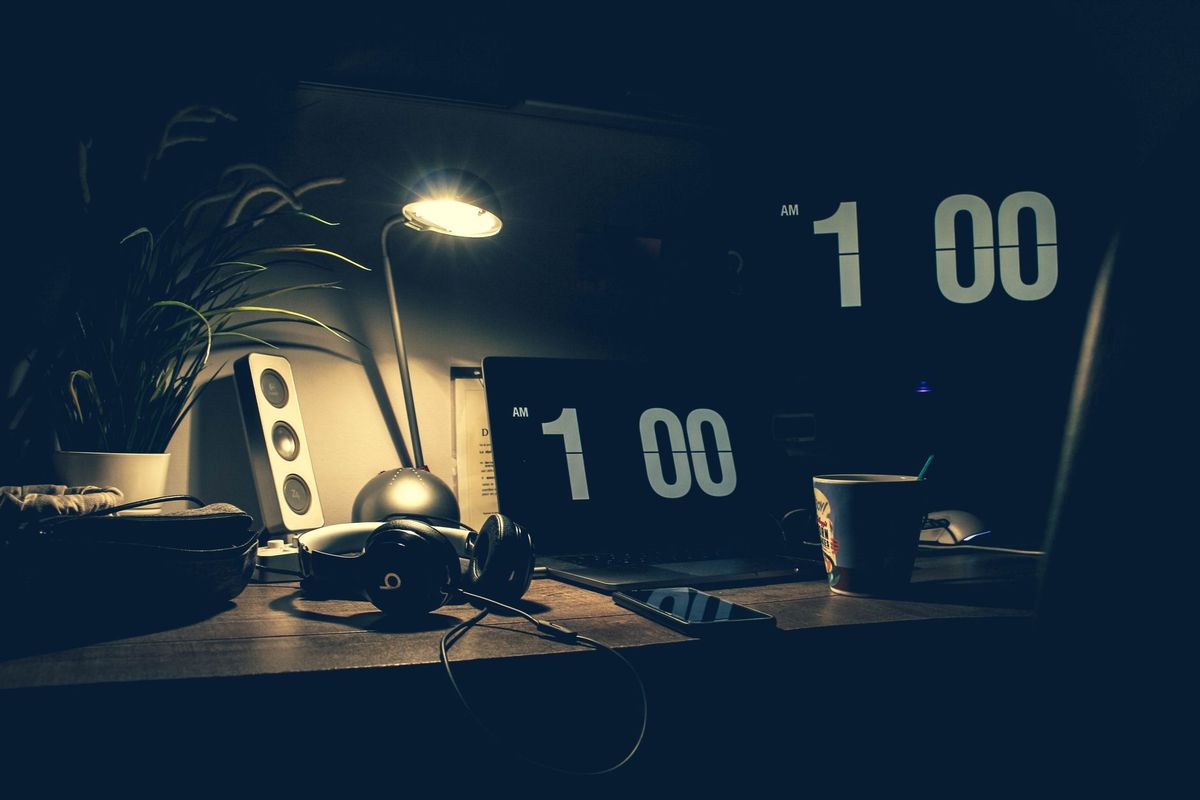
Photo: Julien Bachelet / Pexels